Hey! It’s me again! Back from a couple posts focused on things of faith – Youth Ministry specifically. If you read them, great. If you’re just back for the tech, great. I’m glad you are here.
Today I want to pick back up on the Copilot conversation I started last month. If you recall, last month I shared two posts about how I use Copilot Chat and then a follow up on how you can manage it. You can find those here:
- https://darylhunter.me/blog/2025/12/my-sandbox-365-copilot-customer-visit-followup.html
- https://darylhunter.me/blog/2025/12/my-sandbox-365-copilot-chat-web-search-admin-thoughts.html
Today I’m going to pivot very briefly away from Copilot in general and focus on the Copilot Analyst.
Turning Information Into Insight
In those earlier posts above, I wrote about how I use Copilot in my day-to-day work. I focused on a specific way I used Copilot Chat to summarize a meeting and how that helped me – and the customer – find value in our engagement. As I poll my friends that use an AI tool most answers focus around acceleration. Faster drafts. Faster summaries. Faster ways to get unstuck. This is my favorite 🙂
But over time, I realize something subtle was happening – for me at least.
Copilot wasn’t just helping me do things faster. It was starting to help me think better.
This shift became unmistakable last fall once I started using Copilot Analyst.
Most productivity tools optimize for speed. Ask a question, get an answer, move on to the next task. And honestly that’s often good enough. But modern work rarely fails because we can’t find answers. Modern work fails because:
- We don’t understand what actually matters
- We miss patterns buried across disconnected information siloes
- We jump straight into conclusions – or solutions – without slowing down to test assumptions
Copilot Analyst doesn’t just respond – it reasons. And that distinction changes the nature of the work.
What Copilot Analyst Is (and is not)
Copilot Analyst isn’t a smarter search engine or a better summary button.
It is best understood as a reasoning agent. It has a superpower that is designed to:
- Break down complex questions
- Trace logic explicitly
- Compare competing explanations
- Surface insights that aren’t obvious at first glance
In other worse, Analyst doesn’t try to sound confident quickly. It tries to be thoughtful deliberately.
This also means it’s not always the right tool. If you need a quick rewrite or a short answer, using Copilot Chat is often enough. It’s a great tool! Analyst shines when:
- The problem is fuzzy or squishy as I like to say
- The data is messy
- The stakes are real
- And clarity matters more than speed
Why Copilot Analyst Matters for Knowledge Work
Whether your job title includes the word analyst or not, most of us are doing analytical work every day. We’re asked to:
- Interpret data we didn’t collect
- Summarize work we didn’t personally execute
- Provide recommendations with incomplete information
- Explain complex topics to people who don’t live in the details
Does this sound familiar? I spend a lot of time making sense of complexity and this is where Analyst fits!
Analyst shifts from “Can you summarize this?” to “What does this actually tell – or not tell – us?”
This has been surprisingly impactful on how I approach my work. It’s been – dare I say – game changing!
Here are a few patterns where I’ve consistently found Analyst to be the most valuable:
- Making Sense of Messy Information
- Not everything arrives as a clean dataset or a polished document. Analyst excels at:
- Interpreting loosely structured text
- Identifying recurring themes and insights
- Highlighting contradictions or inconsistencies
- Not everything arrives as a clean dataset or a polished document. Analyst excels at:
- Synthesizing Across Sources
- When information lives across emails, documents, notes, and updates, Analyst can:
- Connect ideas across sources
- Reconcile differences in framing
- Build a coherent narrative from fragments
- When information lives across emails, documents, notes, and updates, Analyst can:
- Identifying What’s Missing
- One of the most underrated capabilities: Analyst is good at pointing out gaps like:
- Unsupported assumptions
- Missing perspectives
- Questions that haven’t been asked yet – this is my favorite! “You asked, I said, but you may mean…” — Solid Gold!
- One of the most underrated capabilities: Analyst is good at pointing out gaps like:
- Stress-Testing Conclusions
- Instead of jumping straight to recommendations, Analyst slows your roll:
- What other interpretations exist?
- What would weaken this conclusion?
- What evidence would change our mind?
- Instead of jumping straight to recommendations, Analyst slows your roll:
This shift – using Analyst to slow down, take a breath, and “test” some of my methods has improved the quality of several decisions and projects I’ve been a part of. Let me give you a simple example:
Make It Real DW
Okay DW, enough of that generic stuff, make it real. How did you use Analyst specifically recently?
I’ll describe a regular things my team does. We have an internal process called UAT that captures customer requests and feedback into Azure DevOps. The information I want to capture includes the usual customer/sales type of information – customer name, opportunity (revenue or consumption), area, region, products affected, and then some free-form information describing what help is needed, or what the feedback is, how to reproduce the “thing” and maybe some attachments and screen shots. So, to get started, I head to the ADO tool with a query that captures what I’m looking for (based on whatever criteria I need) and then I export that dataset to CSV.
Some of the useful columns are here:

Now I want to use Copilot Analyst. So, I open my M365 Copilot App, Choose the Analyst Agent, and start a new thread. I want to make sure this is secure. Yes, I see the green shield, so it’s secure.

If you hover over that green shield you can link and read more about M365 Enterprise Data Protection.
Great. Now I upload the CSV file and I use my favorite Analyst prompt and hit enter to let Analyst do it’s magic. The prompt I like Analyst to use for this work has been modified a few times, and could probably still use some enhancement, but, it works well for this exercise:
“Analyze the data in this file. Use the title and description field for your analysis. In the description column, ignore the HTML characters and focus on the content of the text. I am focused on items like Windows 365, AVD, Intune, Copilot, and anything related to Agents. I am looking for the top insights and themes found in this data. As you identify themes and insights, tell me why you identified it as such. Please group like items together in a logical way. Additionally, please include the Industry represented in the output. Reference the specific UAT by the ID in Column A. I am particularly interested in any items that would be related to adoption challenges, competitive insights, and GTM (go to market) insights. Include any opportunity (billed or consumption) dollars given in USD.”
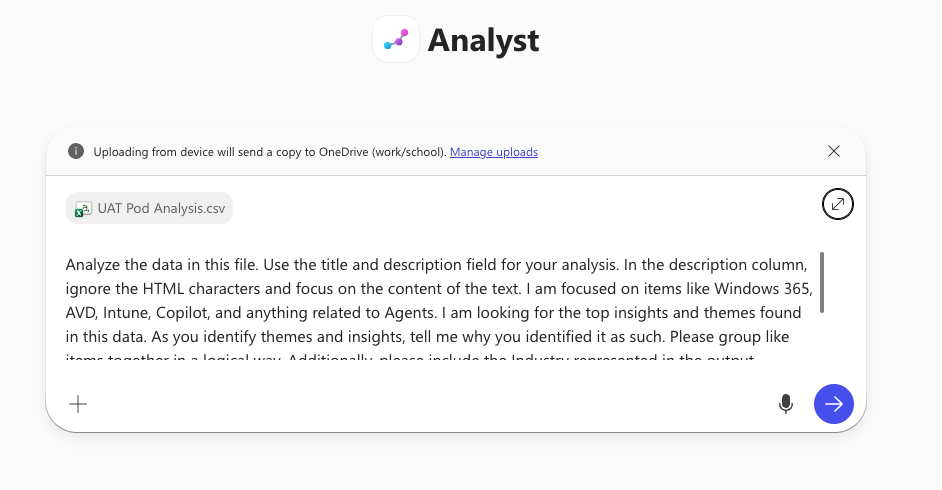
Now Analyst does it’s magic and reasons over the data and gives me insights based on how I asked it.
Here’s an example of some of the output with confidential information obscured or anonymized.
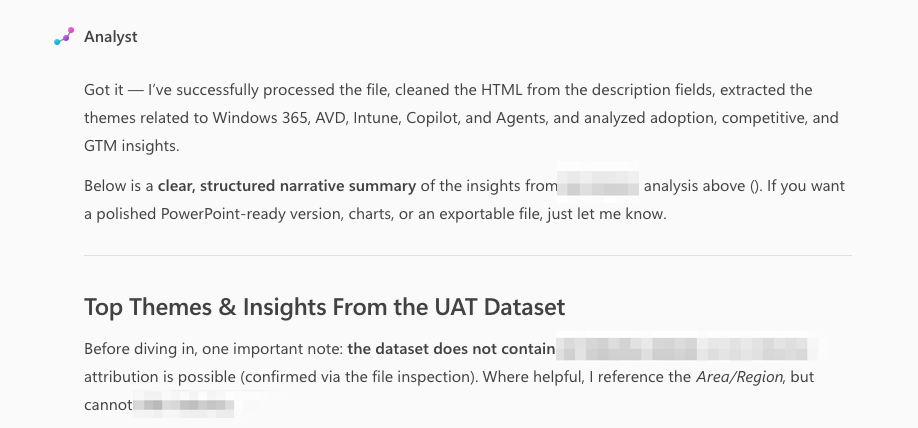
So, like I said above, this isn’t just information. Analyst has reasoned over my data, and my prompt, and is giving me output that has actionable insights. It tells me stuff and points out what it can’t tell me and why that may be. This may be a simple example, but, it’s real. Let’s continue.
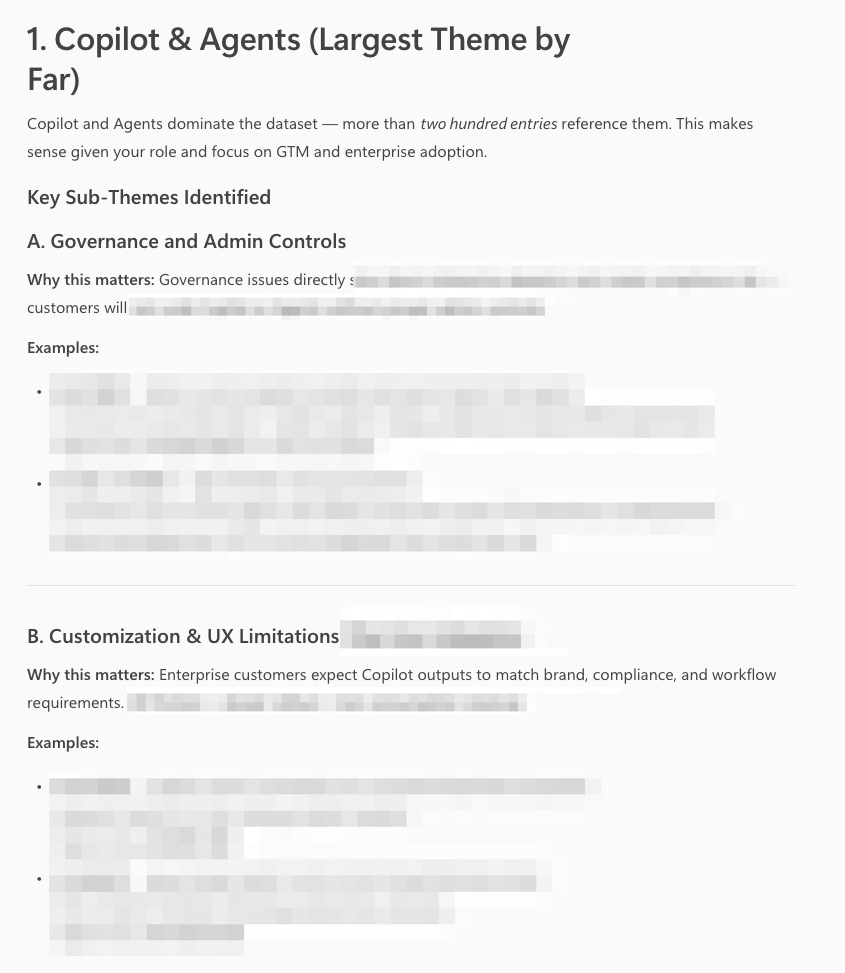
I asked for themes and insights. Copilot Analyst reasoned over the data and is giving me what I asked for. Does this mean I should copy/paste the above to my executive leadership? No. This is where I use my brain and my personal experience to spot-check and then adjust/summaraize as needed – either with additional copilot prompts, or using existing frameworks I have for that. But, Analyst took the time to capture input and do hard reasoning over it. Amazing.
Here’s one more signal that comes toward the end of what Analyst gave me:
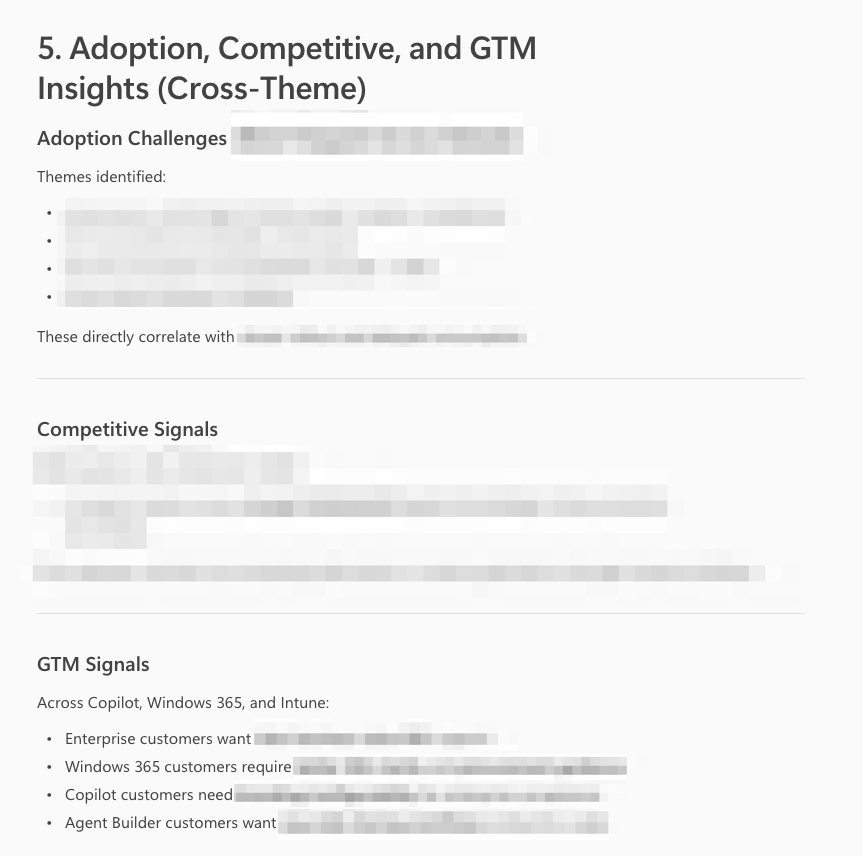
What’s great about this level of Analyst output is that it gives me (and my leaders) great “so what” signals. They can take the “what” and turn it into “so what” actions and next steps. We can build or enhance processes around things. We can provide additional customer assets, or education, or engage specifically with specialized teams in certain areas depending on what needs done.
Can this work be done without Copilot Analyst? Sure. It has been for years. But, can it be done as fast? With such thoughtful analysis and reasoning? Probably not. You can get your initial analysis done quickly and then iterate / enhance / expand / consider directly within the Copilot Analyst UI/UX with additional prompts. And you can have confidence that your data is your data. It’s secure via Microsoft EDP – Enterprise Data Protection – boundaries.
I’ll close here. This was meant to be an overview of Copilot Analyst and then a specific/particular way I personally use this tool in my day-to-day. I hope this gets you interested and excited to learn more. As always, if I can answer a question or point you towards another resource in your learning journey please ask. I’m easy to find and I’m listening. Be well friends!
1 thought on “My Sandbox 365: Copilot Analyst”
Comments are closed.